
Leica iCON pave
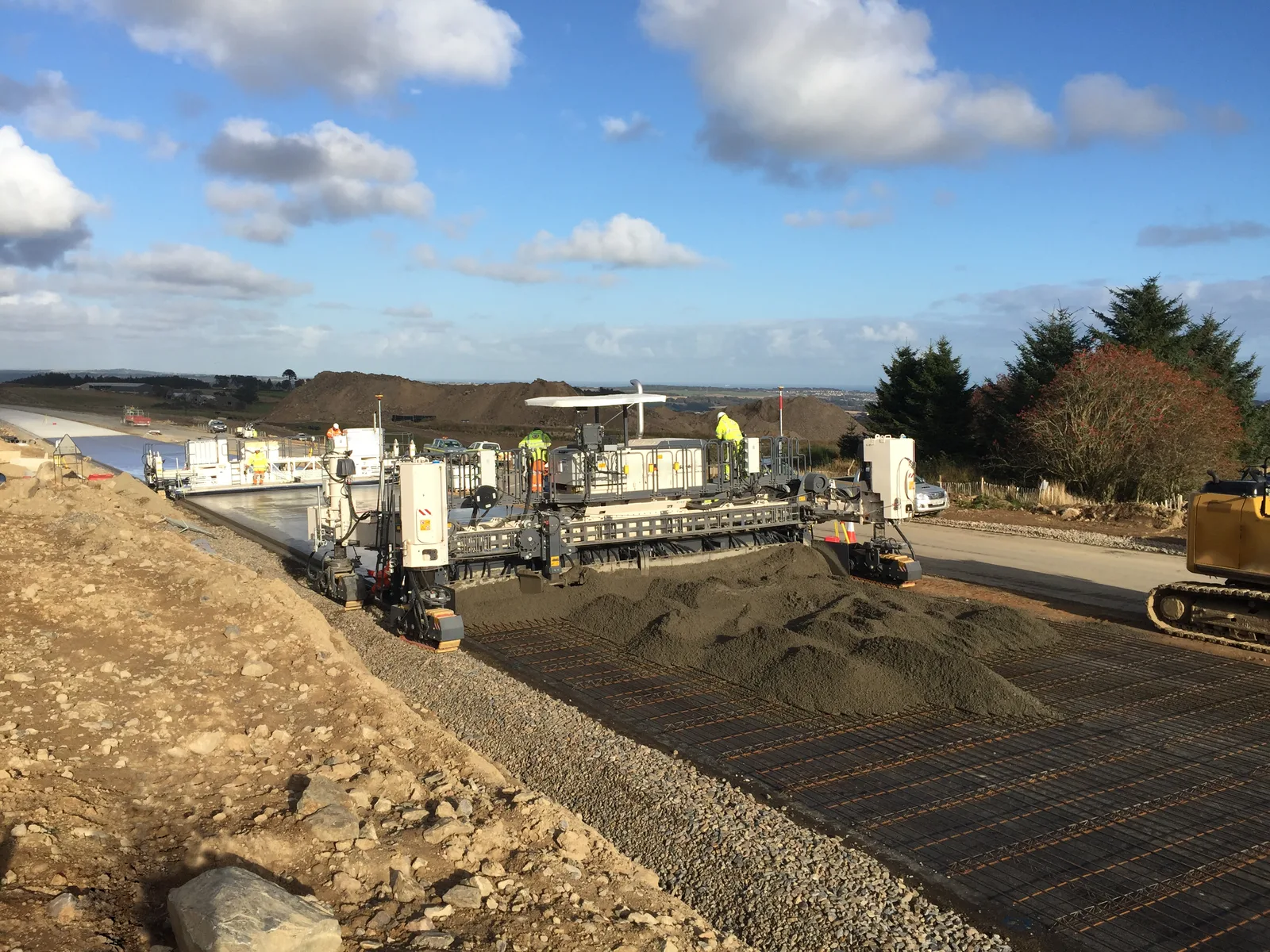
A slipform concrete paver or a curb and gutter paver works to the 3D design (digital stringline). The system automatically controls the height, slope and direction of the mould.
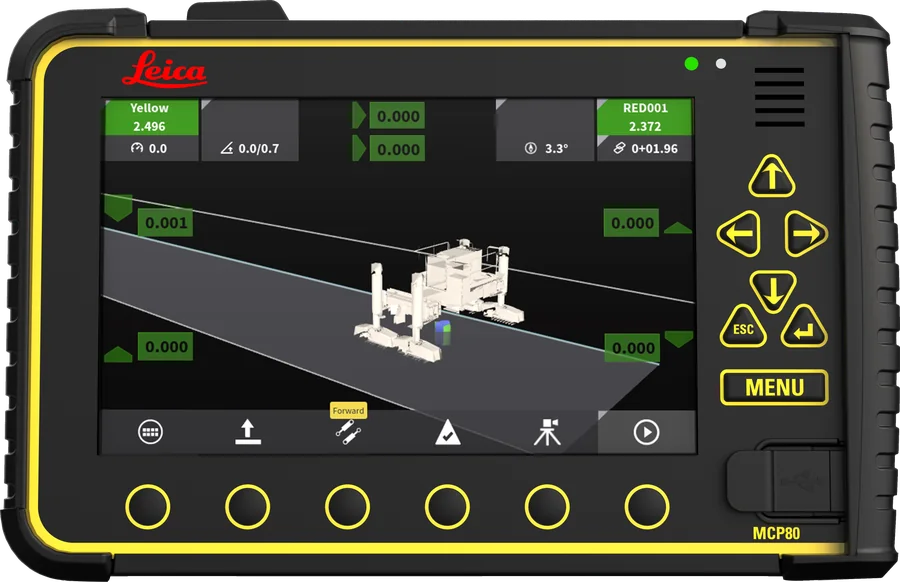 Leica MCP80 display
Leica iCON pave for concrete pavers is the third generation of Leica Geosystems concrete paving machine control systems. It supports slipform paving as well as curbs and channels, from airports and tunnels to motorways. It was developed together with the leading machine manufacturers.
The digital stringline, i.e. the 3D polylines of the design, reaches the MCP80 display directly via the Leica ConX cloud. The machine position comes from robotic total stations tracking prisms on the masts, from two GNSS antennas or, in the 1UP configuration, from one station with a prism for height and two GNSS antennas for heading. A backup station enables automatic leapfrog and uninterrupted work.
The same display, software and total stations also work on asphalt pavers, milling machines and graders, so your investment in one machine also serves another.
One system,
two applications
The same system guides slipform concrete pavers and curb and gutter pavers.
How
works
Four steps to concrete to design. The steps change automatically, and you can click any of them.
Components
systems
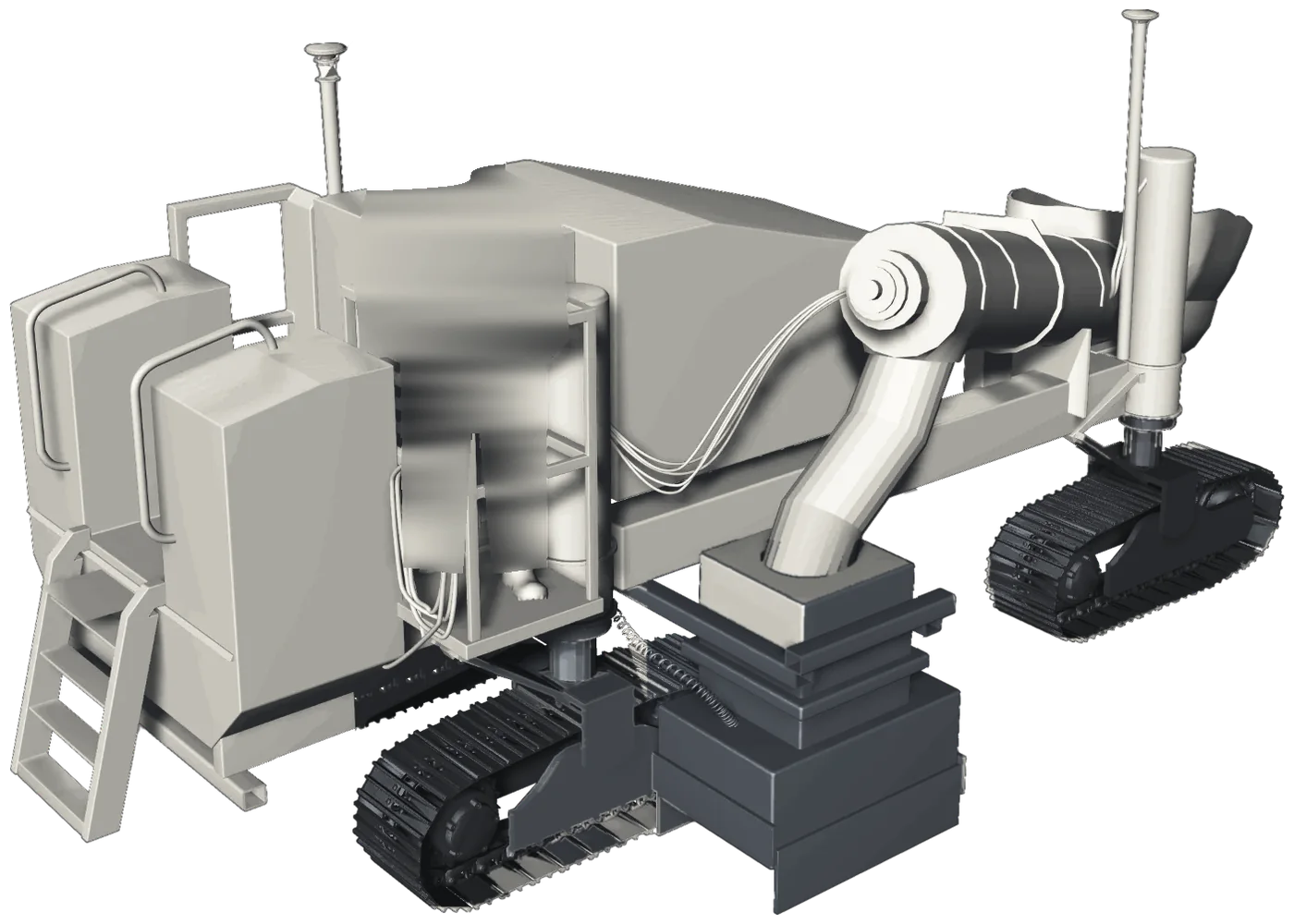
Hover over the numbers on the machine to see what each part does.
Comparison
configuration
All configurations control the height, slope and direction of the mould to the same digital stringline. The difference is where the system gets the machine position from.
Why work
without a stringline?
The stringline is slow and error-prone. It needs surveyors and days of preparation, it gets in the way of trucks, and it is often damaged or set up wrongly.
Preparation days
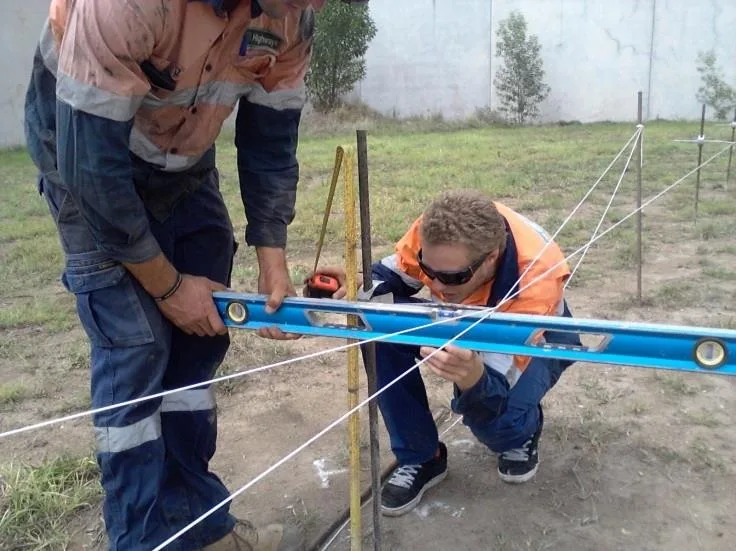
- Mark the pin positions
- Drive in the pins
- Stake out heights
- Set up and tension the stringline
Start right away
- Create the 3D design (digital stringline)
- Load it into the paver display
- Set up the total station anywhere along the route
- Pave concrete
Always under
control
From loading the design to the as-built document, all on the cab display and in Leica ConX.
- Before work
Preparation kit
- The digital stringline arrives via Leica ConX
- You choose the reference line and slope
- Set up the total stations
- During work
Execution
- Follow material flow in automatic
- Quick nudge with display buttons
- Automatic leapfrog stations
- After work
Quality control
- The system records by itself as-built
- Track progress from the office
- Saved to USB or Leica ConX
One system,
more machines
Every machine is fitted with the preparation kit: brackets, cables and sensors. You then move the equipment for the chosen working mode to other machines with the preparation kit: an asphalt paver, milling machine, grader or another concrete machine.
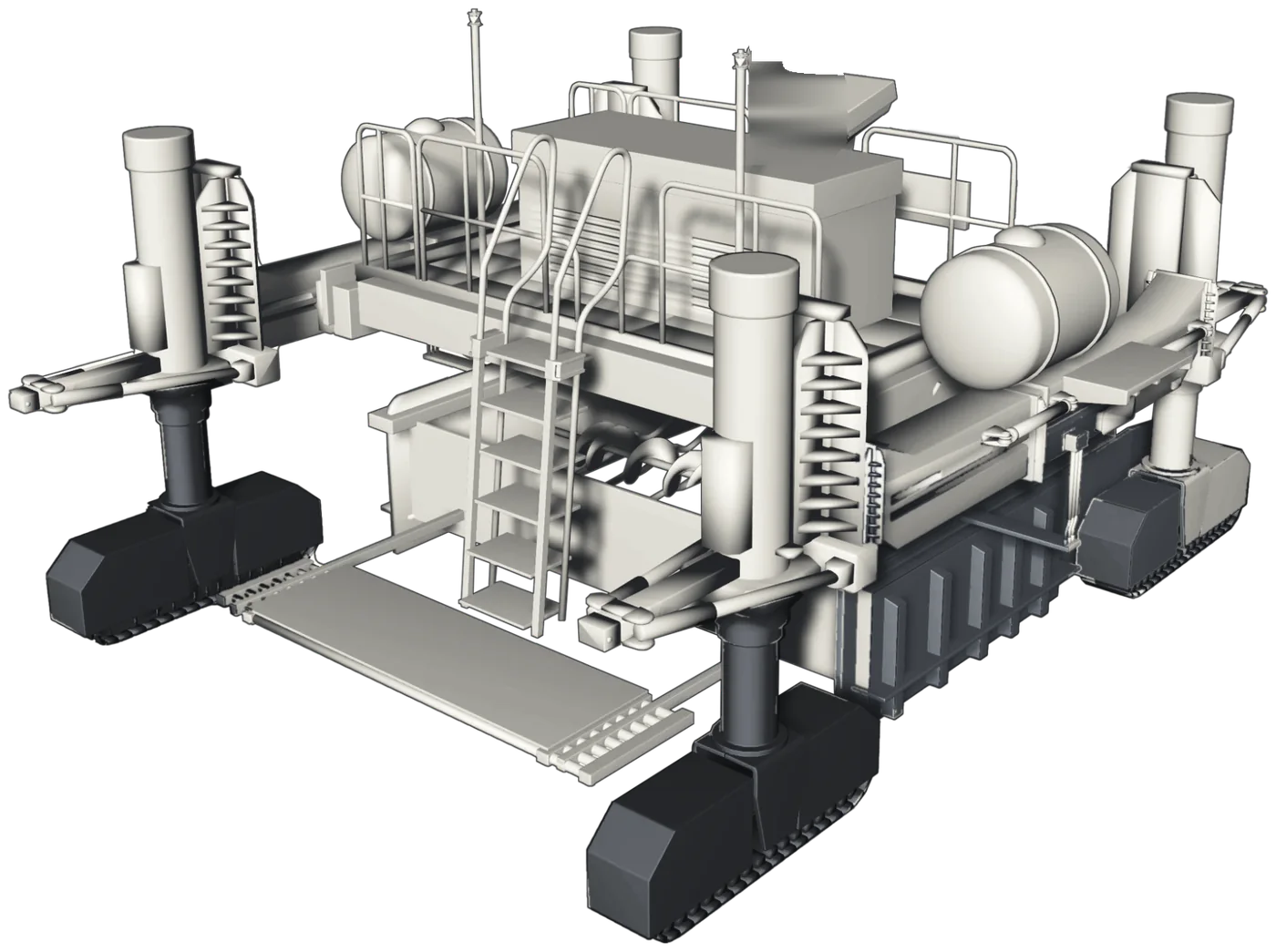
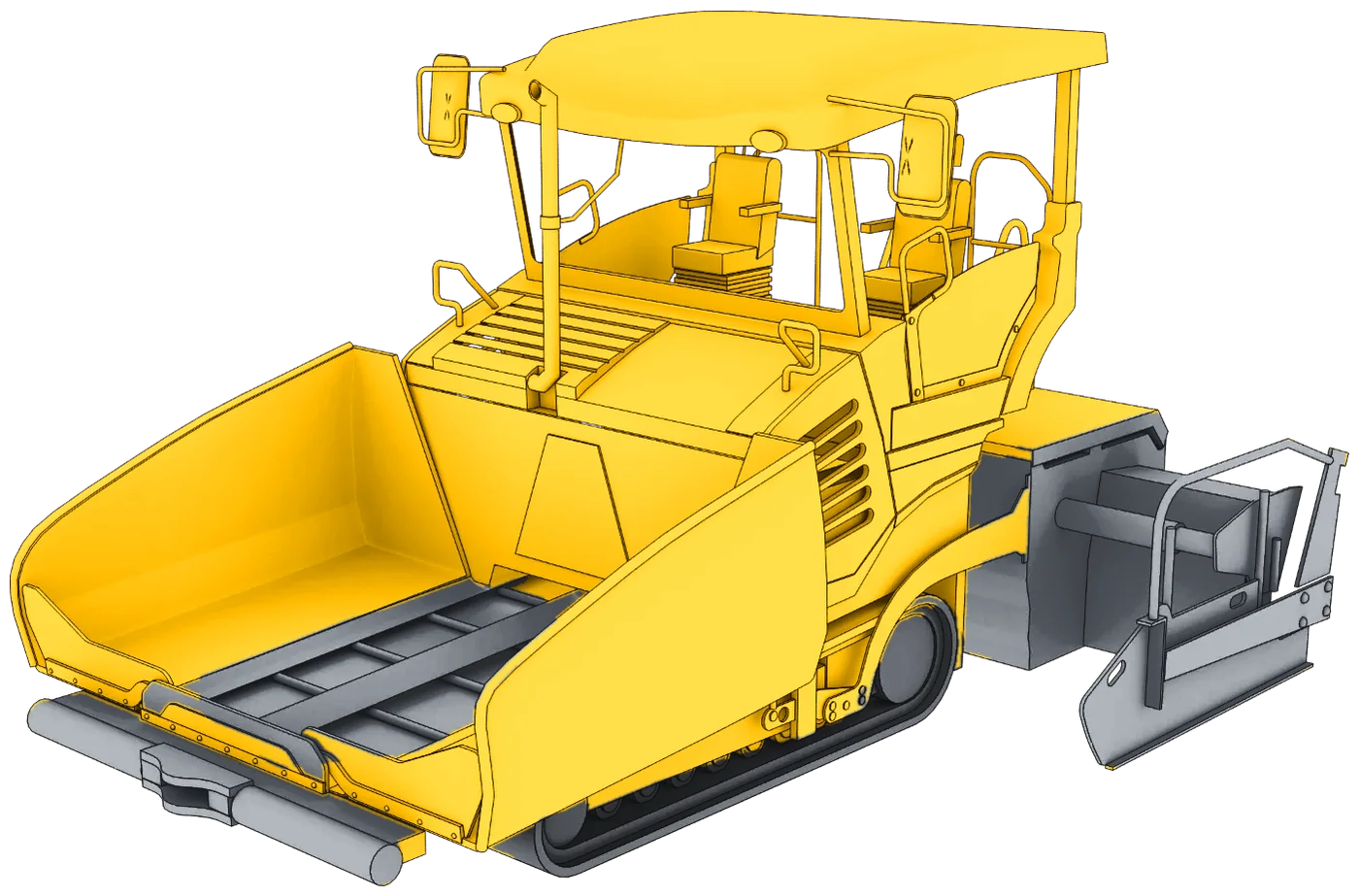
Your investment in one machine also serves another: with the same data and equipment you build curbs, pour concrete, pave, mill and grade.
What you get
Savings
- No setting up stringline or pins
- Less material, exactly to design
- Fast installation and setup
Time
- No waiting for pins to be staked out
- Uninterrupted work with automatic leapfrog
- The same data as on other iCON machines
Accuracy
- Consistent, highly precise concrete paving quality
- Curves exactly to the design radius
- More sensor combinations for every job
Security
- Less risk on site
- Nobody walks along the stringline or trips over it