
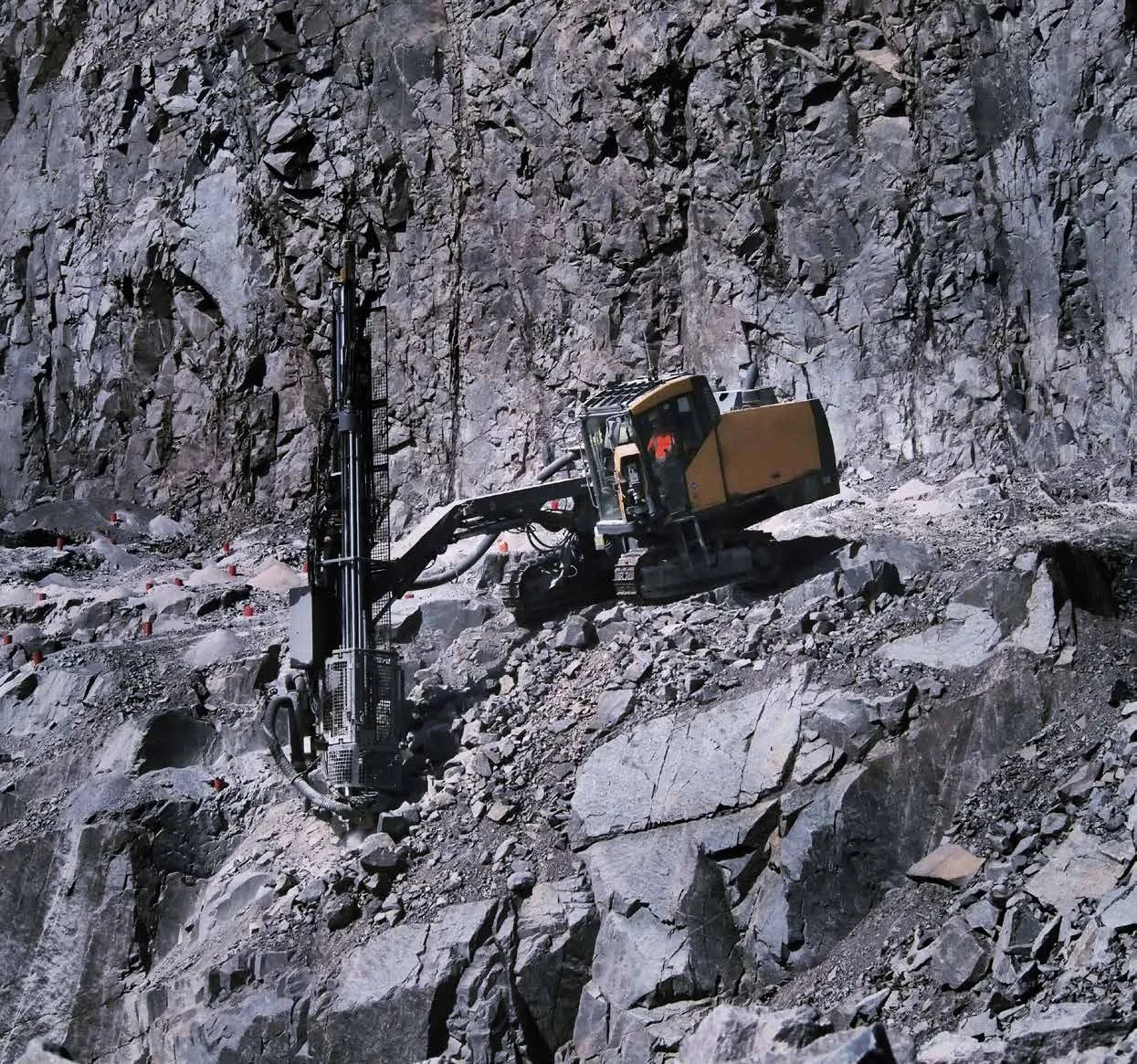
Drillingwithoutstakeout.
The drilling plan goes straight to the cab display, and the system guides the operator to the next hole and helps align the mast to the set angle and direction. Drilled holes are logged automatically.
Why 3D
drill rig?
Staking out every hole takes time, the marks disappear under the machine, and the operator estimates the mast angle by eye.
Surveyor in front of the machine
- Stake out every hole
- Find the mark
- Aligning the mast by eye
- Write down by hand
Navigation to the hole
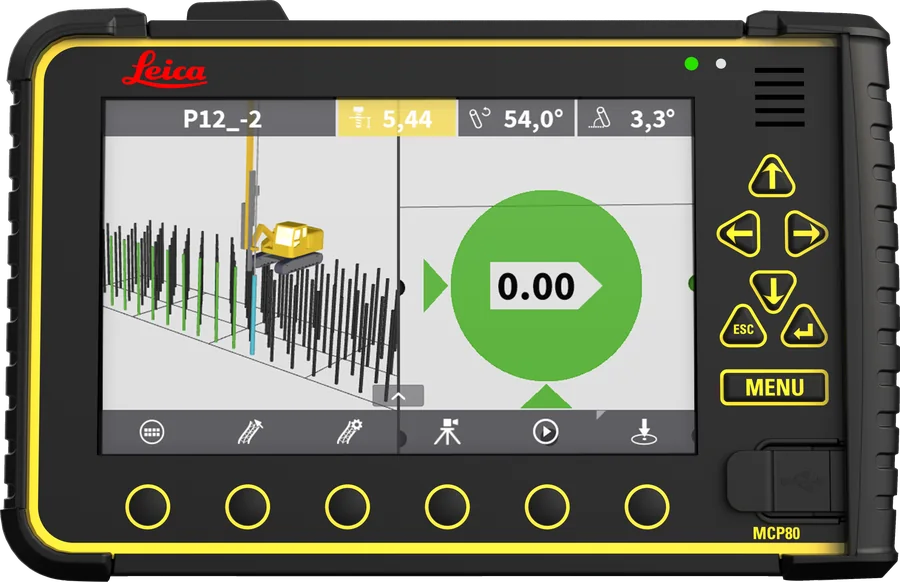
- Load the drilling plan
- Switch on the GPS
- Follow the arrows to the hole
- Drill and log
How do you want
work?
First choose a working mode. Everything below, up to the comparison, applies only to your choice.
The content differs depending on the chosen working mode.
How
works
Four steps from design to finished job. The steps change automatically, and you can click any of them.
See
how it works
Components
systems
Hover over the numbers on the machine to see what each part does.
Comparison
working modes
Both modes work to the same 3D design. The difference is where the system gets the machine position from.
Displays tailored to
drilling
The operator chooses the start screen to suit the job, in day or night mode.
Green: drilled. Red: failed hole. White: holes still to be drilled.
Perspective and cylinders together: drilling with a constant view of the navigation.
Navigation of the top and bottom of the hole, for an angled hole at the planned angle.
Always under
control
From design to as-built, all on the cab display and in Leica ConX.
- Before work
Drilling plan
- The plan arrives via Leica ConX or iCON site
- Or create it on the display
- You choose the start view
- During work
Drilling
- Navigation to the nearest hole
- Aligning the mast to the angle
- Day and night view
- After work
As-built
- Every hole recorded
- Sharing via Leica ConX
- No drilling in old holes
One system,
more machines
Every machine is fitted with the preparation kit: brackets, cables and sensors. You then move the equipment for the chosen working mode from this machine to other machines with the preparation kit.
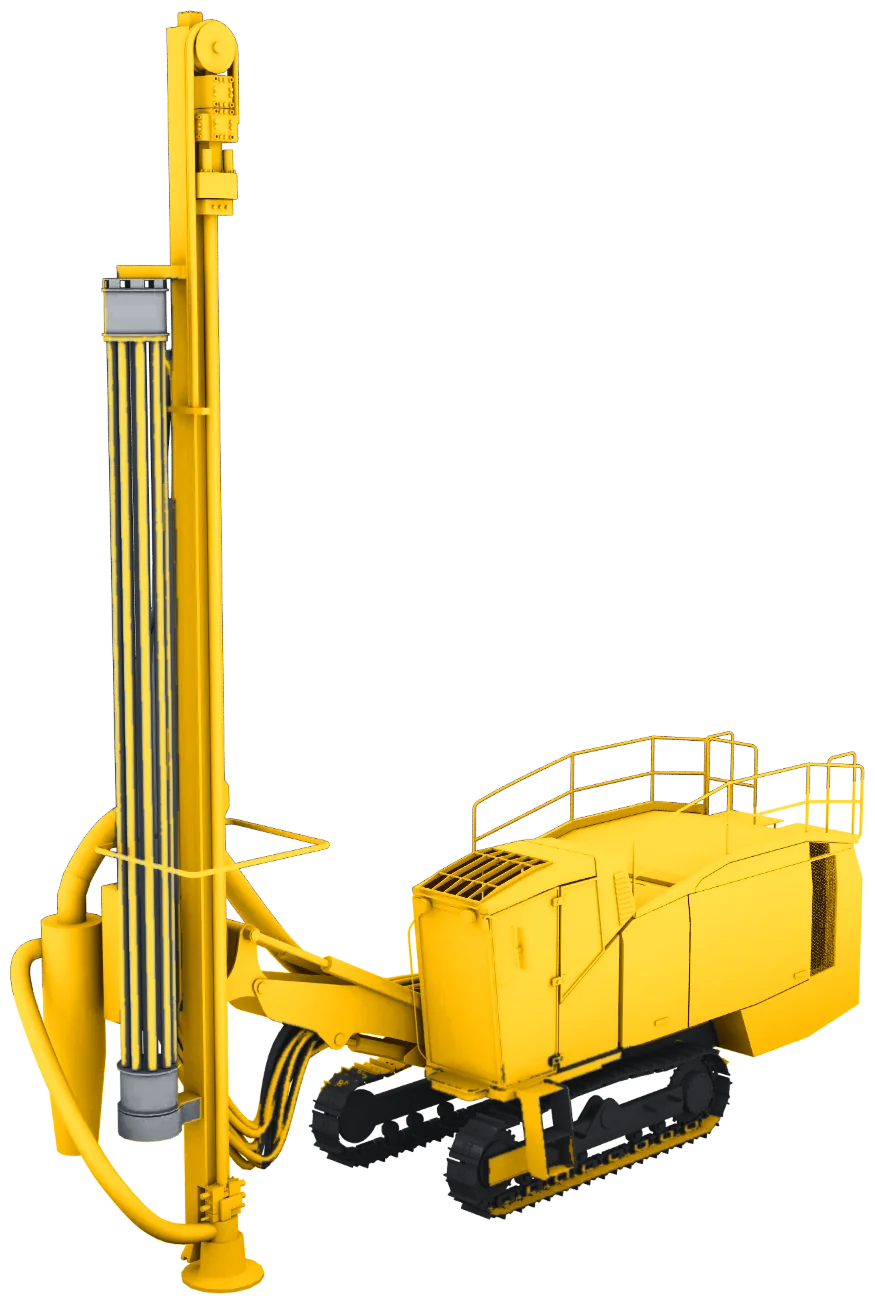 Drill rig · preparation kit
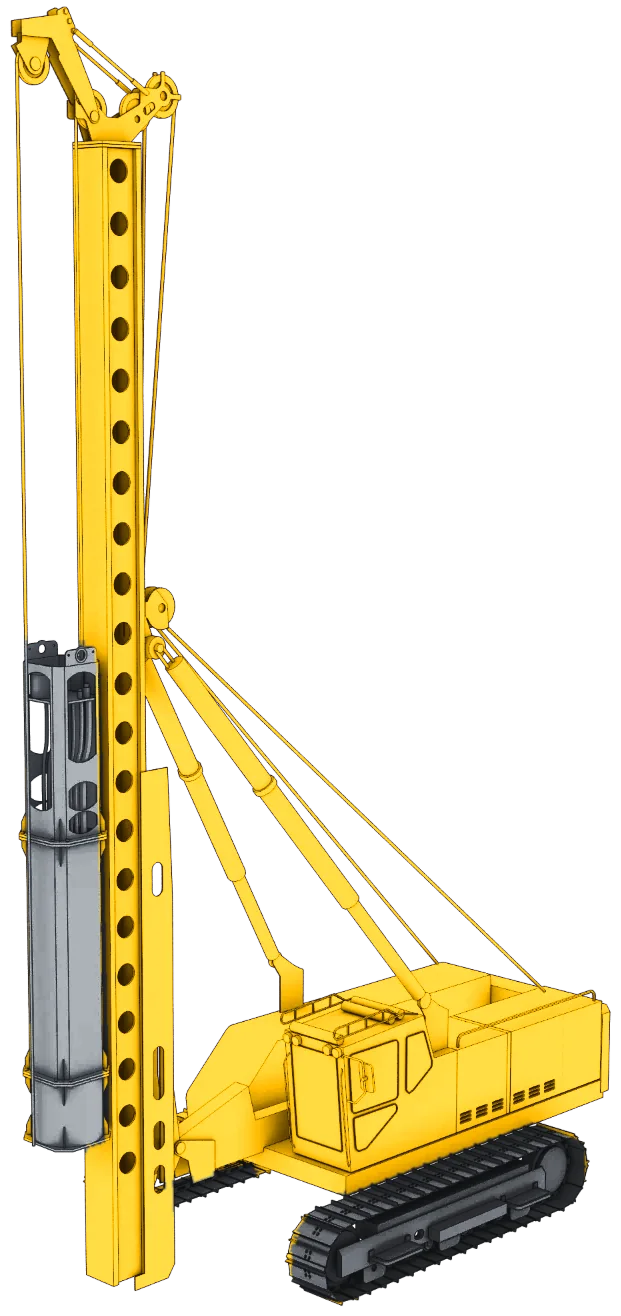
Your investment in one machine also serves another: the same display, software and Leica ConX on all machines.
What you get
Time
- No hole stakeout
- Automatic navigation to the next hole
Accuracy
- Complex plans and directional drilling
- No drilling in old holes
Connected
- Wireless project updates and support
- Connection to the machine manufacturer's computer
Savings
- Big savings in time and costs
- One solution for drilling and pile driving
Want to see it
live?
Book a presentation on your site, and we will propose a configuration for your machine.