
Everypasson the map.
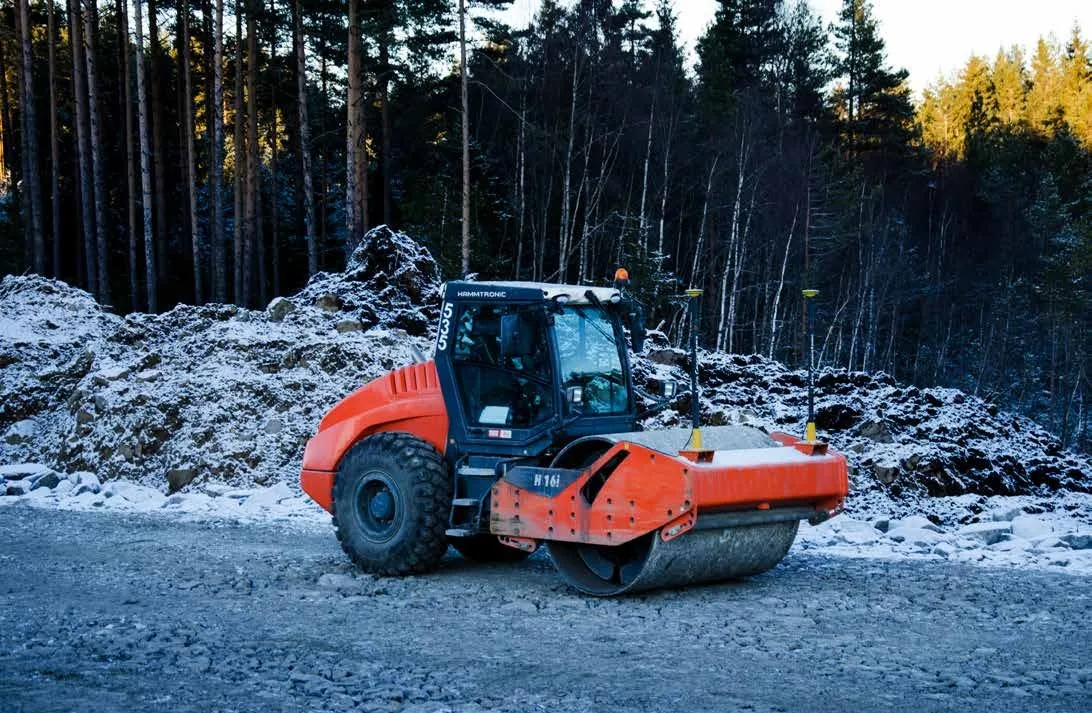
The cab display shows a colour map of passes and compaction, so there is no over- or under-rolling. The office follows progress in real time via Leica ConX.
Why 3D
roller?
Without a system the operator counts passes from memory, so part of the surface is over-compacted and part under-compacted. Quality control only comes after the work.
Pass counting
- Remember where you rolled
- Counting passes from memory
- Waiting for compaction testing
- Roll again
Map on the display
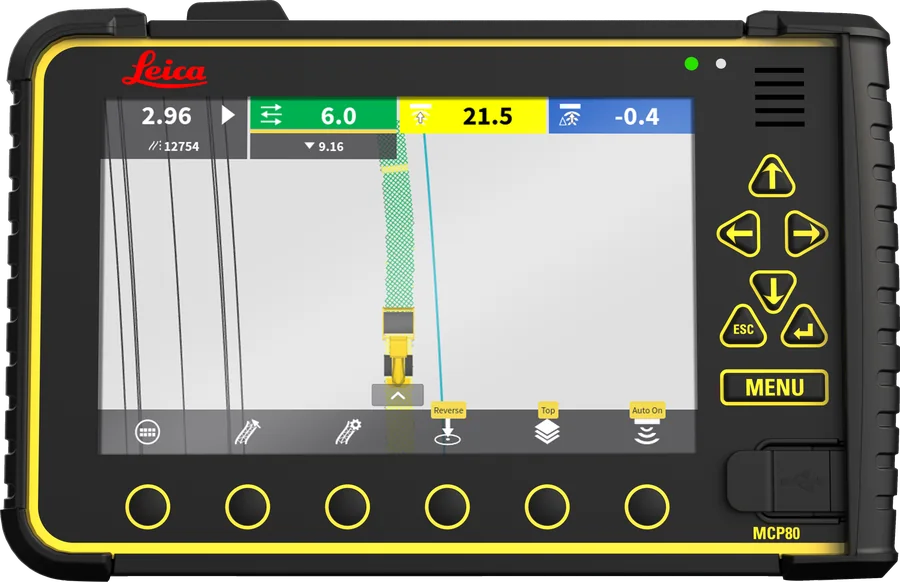
- Load the area and target
- Switch on the GPS or station
- Roll according to the map
- Report in ConX
How do you want
work?
First choose a working mode. Everything below, up to the comparison, applies only to your choice.
The content differs depending on the chosen working mode.
How
works
Four steps from design to finished job. The steps change automatically, and you can click any of them.
Components
systems
Hover over the numbers on the machine to see what each part does.
Comparison
working modes
Both modes work to the same 3D design. The difference is where the system gets the machine position from.
Three working modes
on the display
The compaction sensor (CMV) measures the stiffness of the base, and a colour map shows what is finished.
How many times the roller has passed over each part of the surface.
Whether the target compaction has been reached.
How much the compaction still changes between passes.
Always under
control
From design to as-built, all on the cab display and in Leica ConX.
- Before work
Preparation kit
- The area and target arrive via Leica ConX
- You choose the number of passes or CMV
- The roller sets off
- During work
Compaction
- Pass map in colour
- Compaction (CMV) live
- You roll until the surface turns green
- After work
Quality control
- Report for control and billing
- Export to VETA format
- Progress from the office
One system,
more machines
Every machine is fitted with the preparation kit: brackets, cables and sensors. You then move the equipment for the chosen working mode from this machine to other machines with the preparation kit.
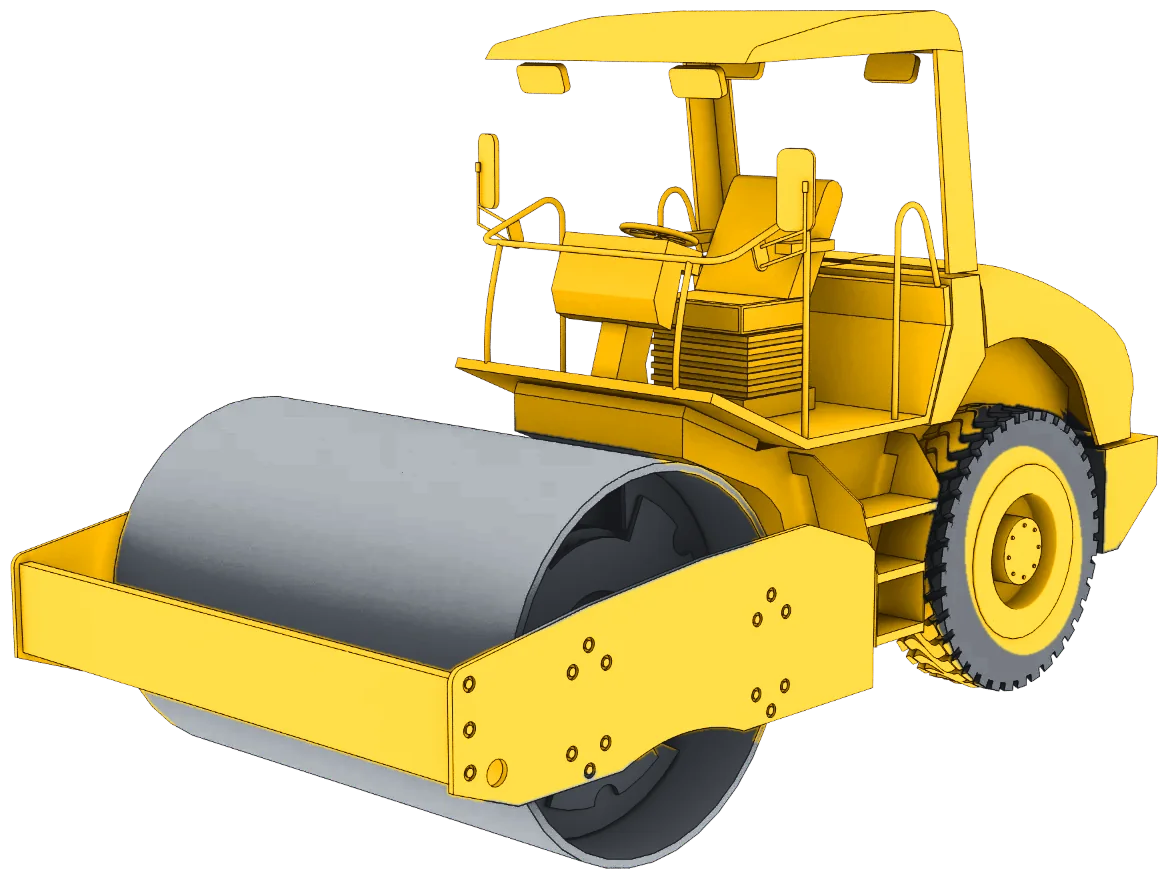 Roller · preparation kit
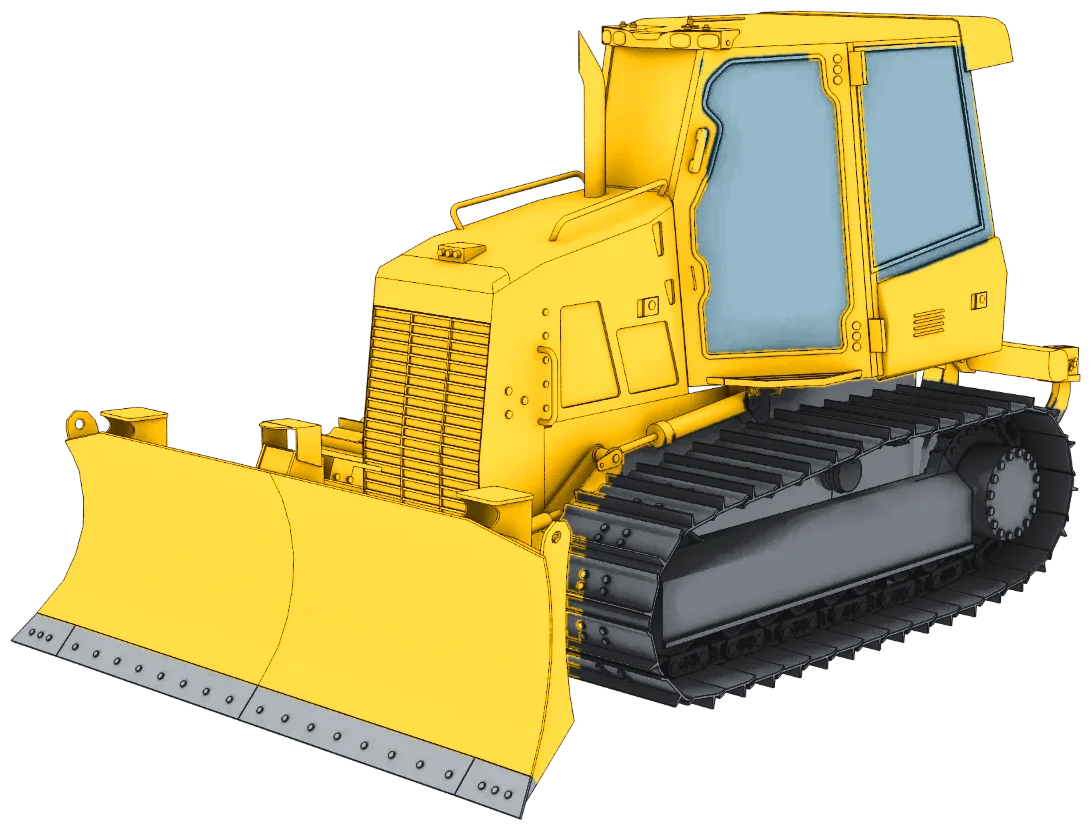
Your investment in one machine also serves another: the same display, software and Leica ConX on all machines.
What you get
Quality
- Even compaction over the whole surface
- A smooth and durable base
Savings
- No over-rolling
- Less fuel and machine wear
Documentation
- Reports for quality control and billing
- Export to VETA format
Planning
- Progress in real time
- Better site planning
Want to see it
live?
Book a presentation on your site, and we will propose a configuration for your machine.