
Leica iCON iRP3
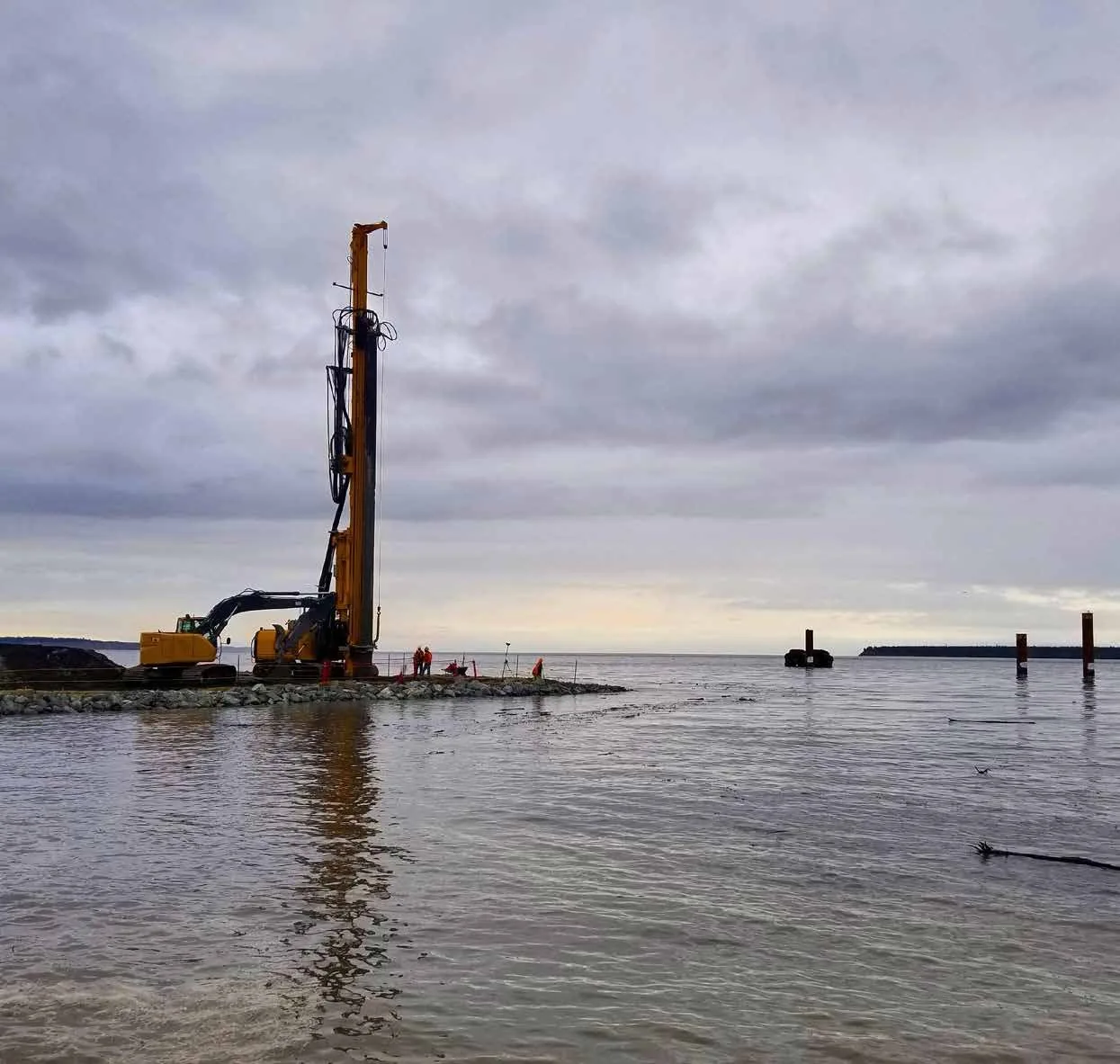
The 3D pile plan goes straight to the cab display, and the system guides the operator to the nearest pile. The position of every driven pile is logged automatically, so no as-built survey is needed.
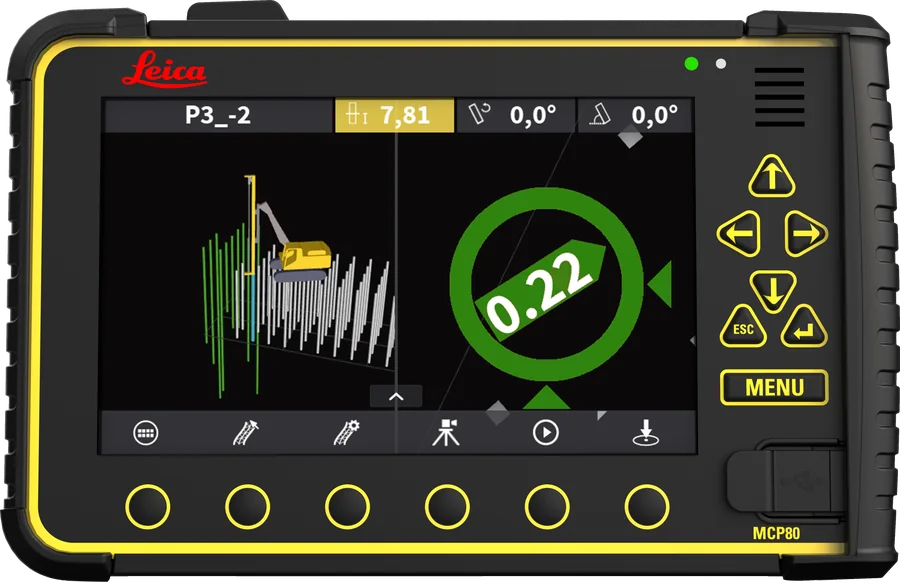 Leica MCP80 display
The 3D pile plan goes straight to the cab display, and the system guides the operator to the nearest pile. The position of every driven pile is logged automatically, so no as-built survey is needed.
GNSS antennas on the body or mast, with tilt and joint sensors. Dual configuration with prisms, when the satellite signal is not sufficient. The design arrives via the Leica ConX cloud, and the same MCP80 display works on all Leica iCON machines.
How
works
Four steps from design to finished job. The steps change automatically, and you can click any of them.
Components
systems
Hover over the numbers on the machine to see what each part does.
Comparison
working modes
Both modes work to the same 3D design. The difference is where the system gets the machine position from.
Displays tailored to
pile driving
The operator chooses the start screen to suit the job, in day or night mode.
Green: driven. Red: failed. Yellow: paused. White: piles still to be driven.
Perspective and cylinders together, with a constant view of the navigation.
Navigation of the top and bottom of a raked pile, at the planned angle.
Always under
control
From design to as-built, all on the cab display and in Leica ConX.
- Before work
Pile plan
- 3D design via Leica ConX
- Transfer to the machine
- You choose the start view
- During work
Pile driving
- Auto-snap to the nearest pile
- Aligning the mast to the angle
- Status of each pile in colour
- After work
As-built
- Pile position recorded by itself
- No surveying afterwards
- Progress from the office
One system,
more machines
Every machine is fitted with the preparation kit: brackets, cables and sensors. You then move the equipment for the chosen working mode from this machine to other machines with the preparation kit.
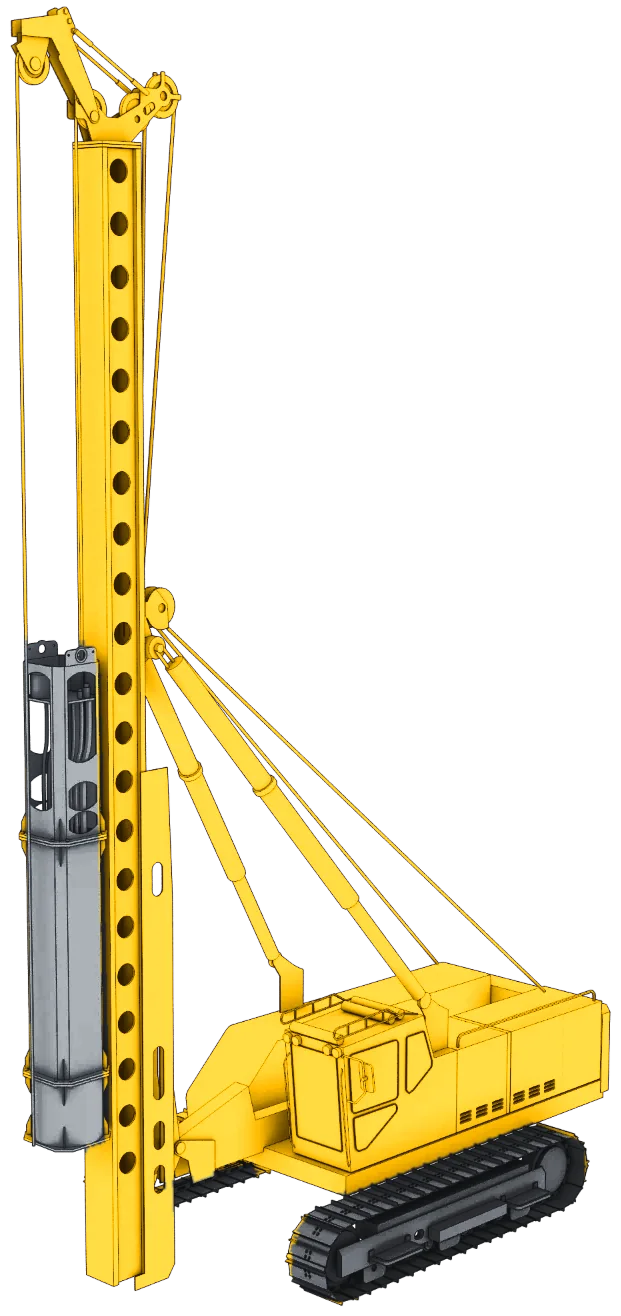 Pile driver · preparation kit
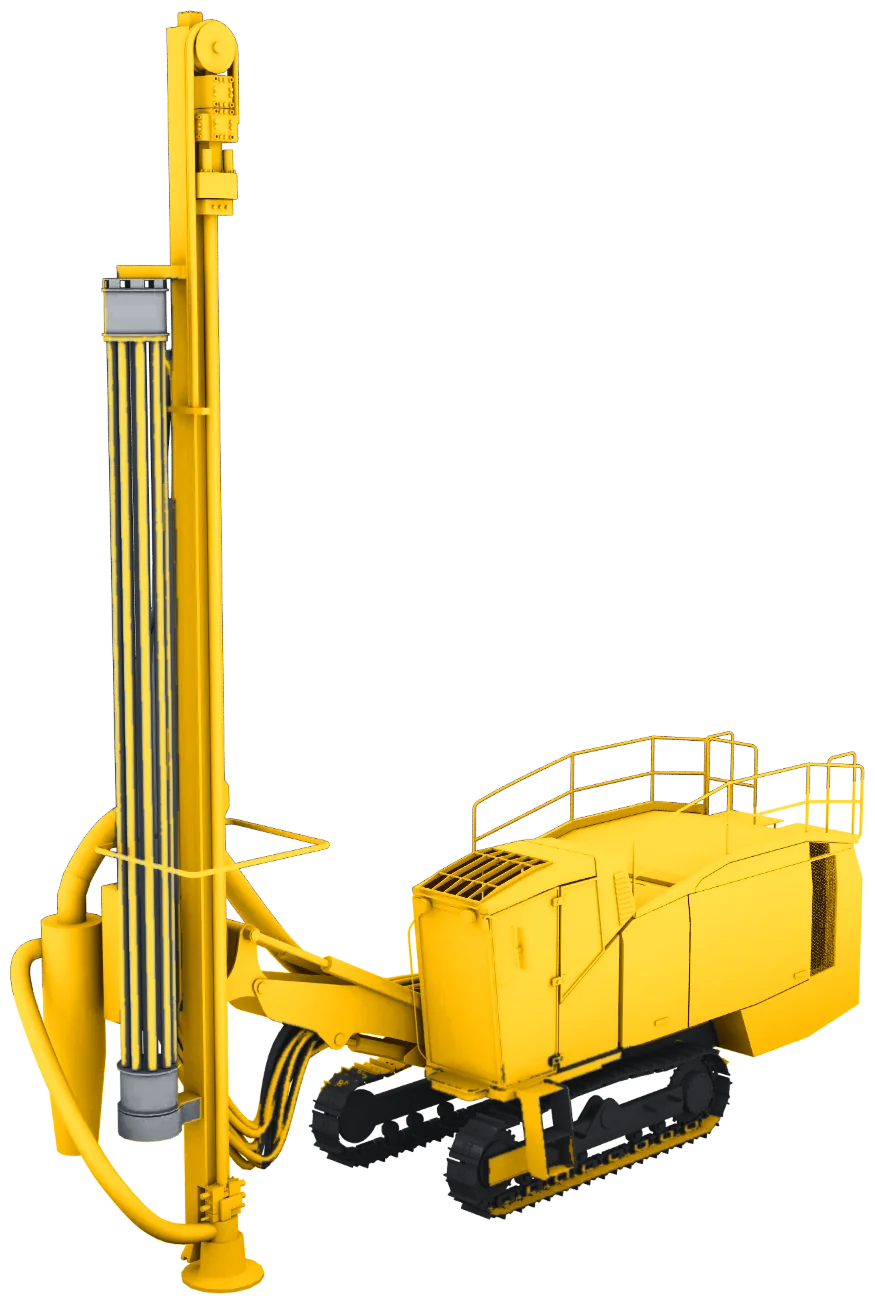
Your investment in one machine also serves another: the same display, software and Leica ConX on all machines.
What you get
Savings
- Fewer people on site
- No as-built surveying
Time
- No pile stakeout
- Faster navigation between piles
Security
- Fewer people around the machine
- Working without stakes on the route
Connected
- Progress from the office via Leica ConX
- Concrete piles, sheet piles and ground stabilisation
Why 3D
pile driver?
Staking out every pile requires a surveyor on site, and the as-built position has to be surveyed after the work.
Surveyor next to the machine
- Stake out every pile
- Find the mark
- Aligning the mast by eye
- Survey the as-built
Navigation to the pile
- Load the pile plan
- Switch on the GPS
- Auto-snap to the pile
- Drive and log