
Home/Machines/Excavator
Excavator machine control

Excavatorthat knowsdepth.

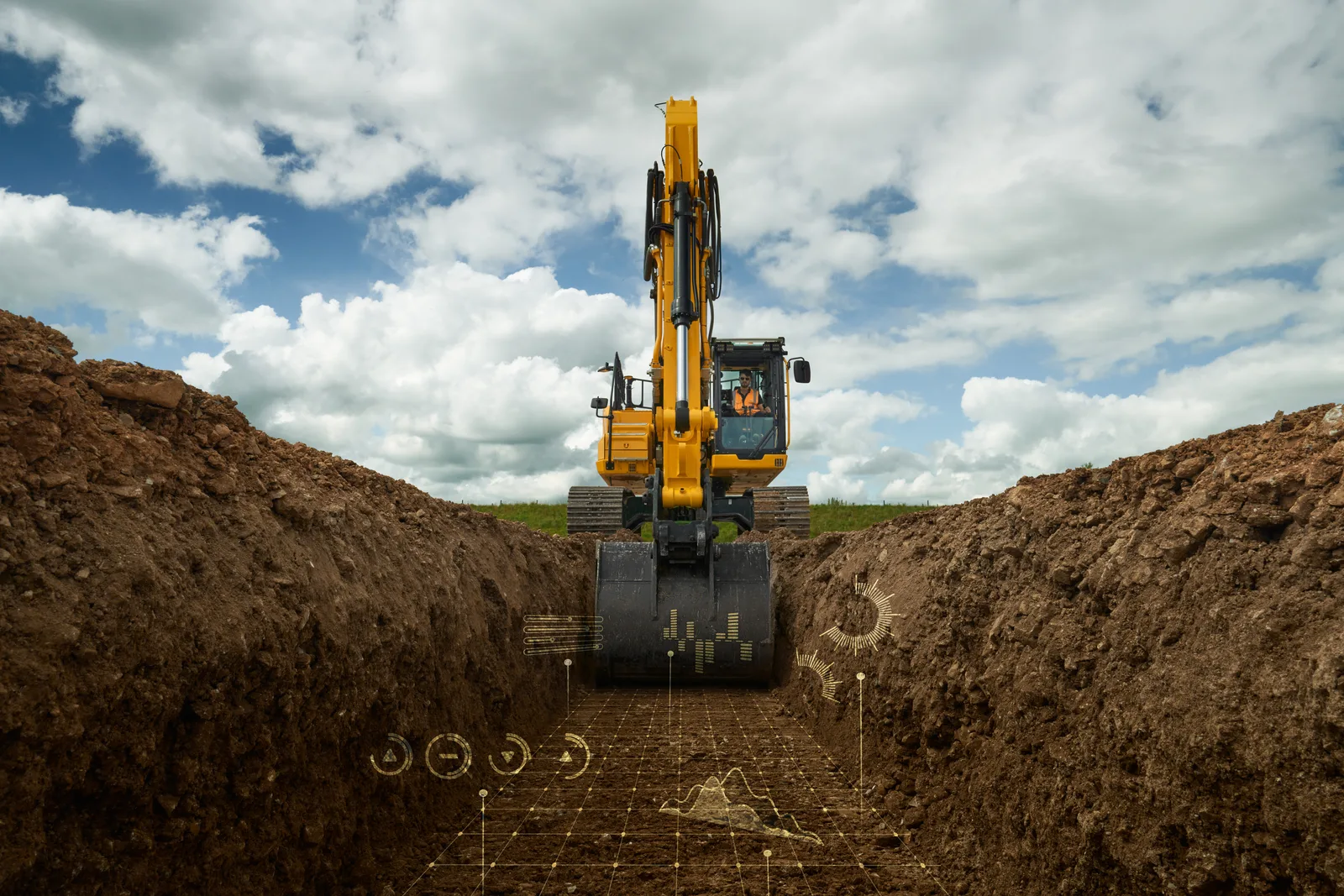
The operator sees on the display where the bucket tip is relative to the design. A trench, foundation or slope right first time, without rework and without constantly leaving the cab.

Bager s Leica iCON iXE3 sustavom kopa kanal

How do you want to work?

First choose a working mode. Everything below on the page (steps, video, components, transfer and recommended system) applies only to your choice.

↓ The content below unlocks when you choose a working mode
Shown for:
First choose a working mode

The content differs depending on the chosen working mode.

Shown for

How
works

Four steps from design to excavation. The steps change automatically, and you can click any of them.

    To design depth0.250 m
    Bottom slope2.0 %
    Accuracy± 2 cm
    Shown for

    See
    how it works

    Video
    Shown for

    Components
    systems

    Hover over the numbers on the machine to see what each part does.

      Tool change

      Changing the bucket? The system knows.

      Digging, grading, tilt or rototilt bucket, or even a hydraulic hammer: after a change the operator simply selects the tool on the display, and the system recalculates the dimensions and position of the tool tip. No recalibration and no service call needed.

      MCP displayDigging bucket✓ Geometry recalculated
      Shown for

      Move: display, antennas, receiver · ≈ 70 %Preparation kit · ≈ 30 %

      2D or 3D?

      Both systems work on the same principle: sensors on the machine calculate the position of the bucket tip. The difference is what the operator digs to.